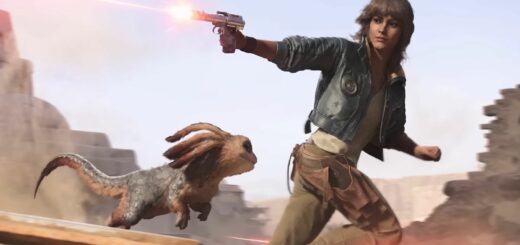
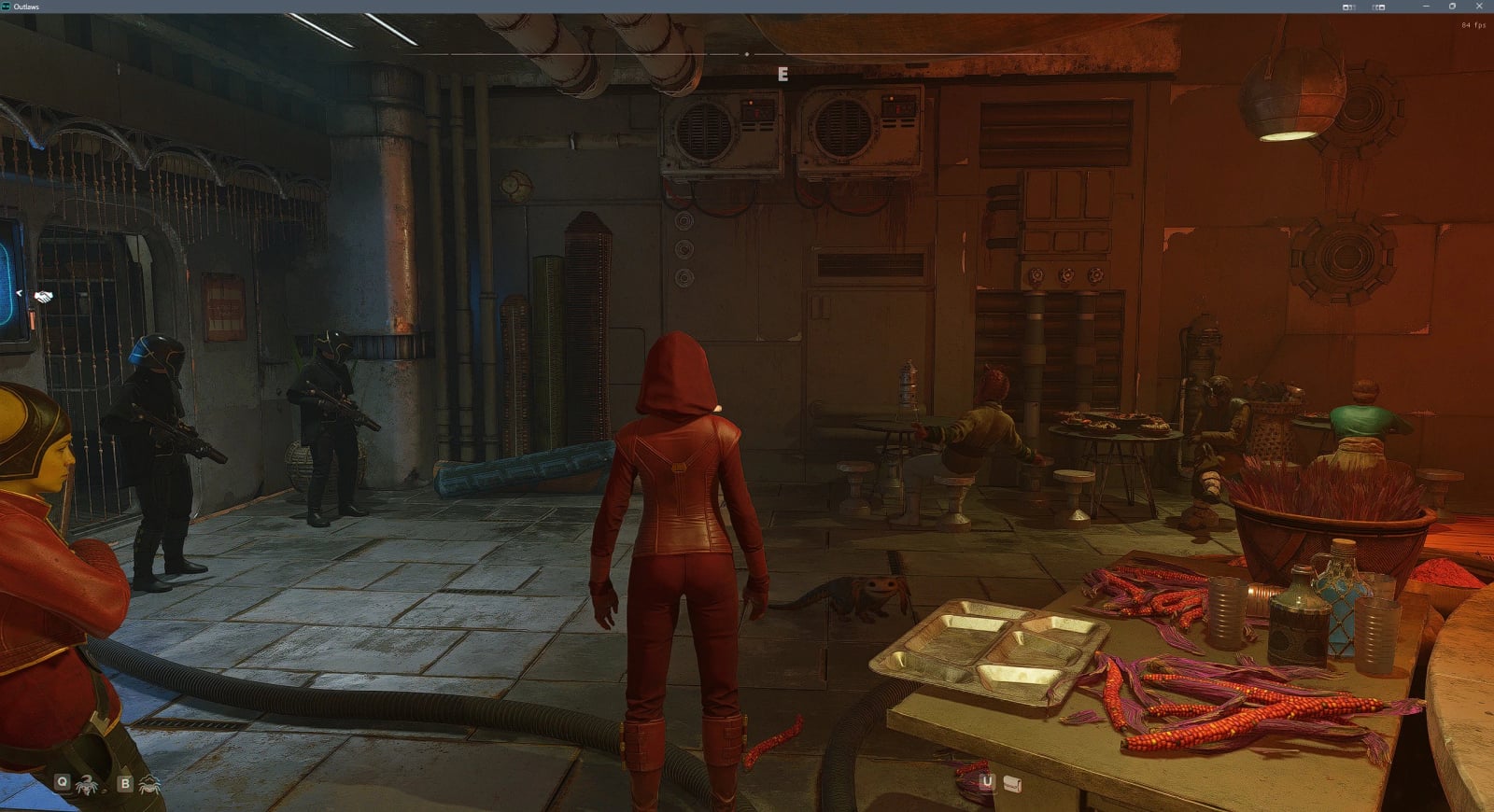
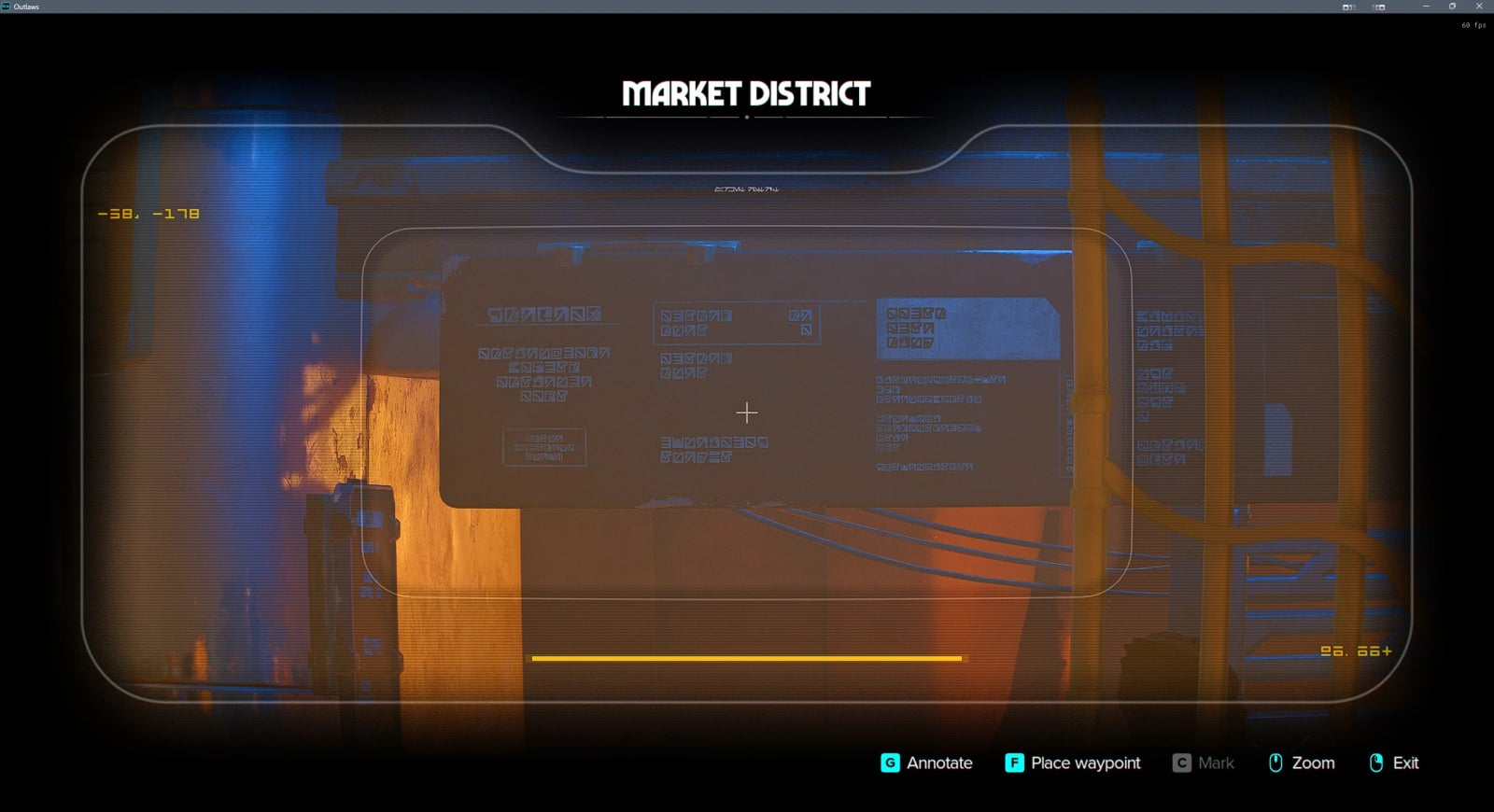
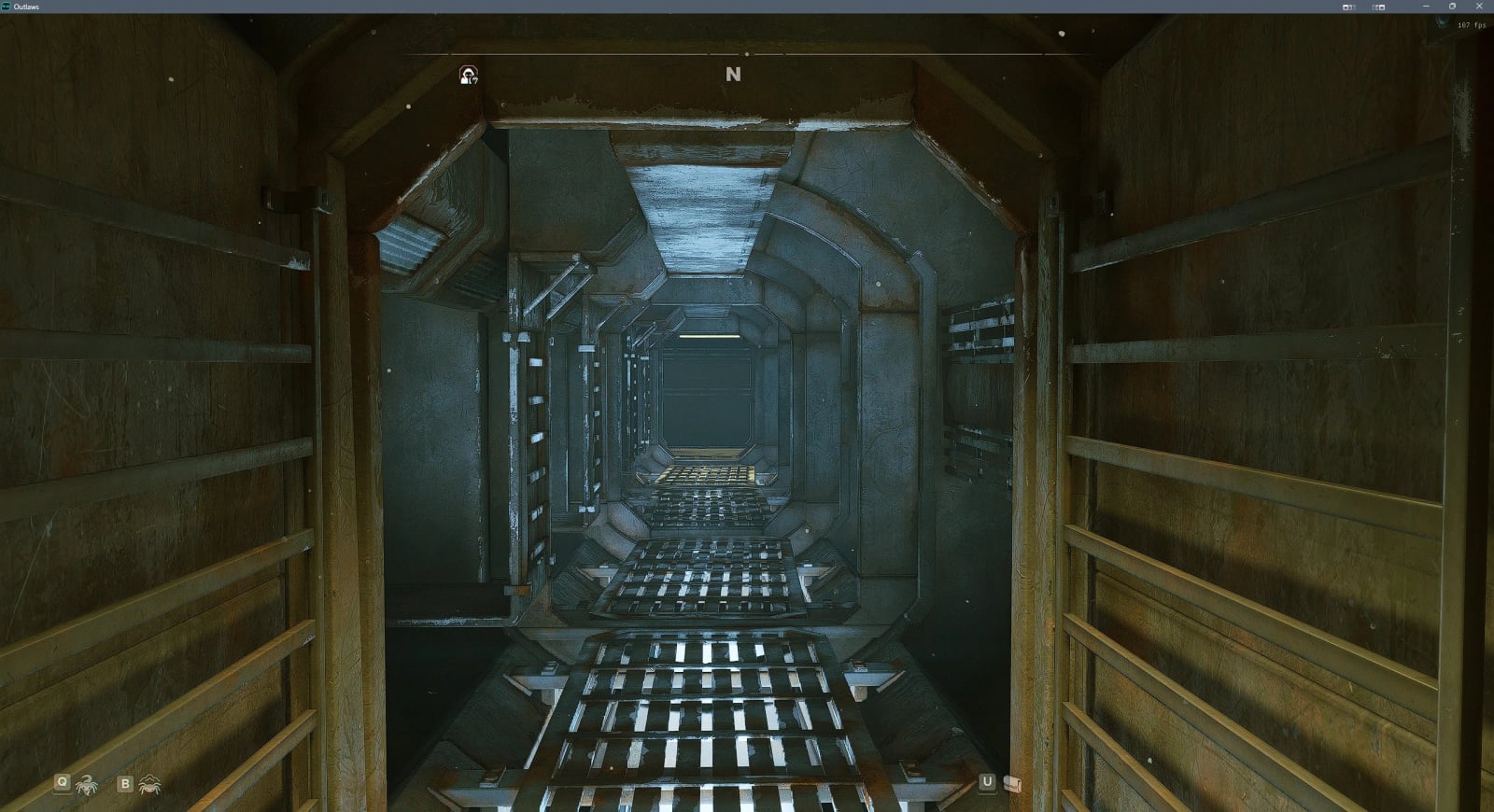
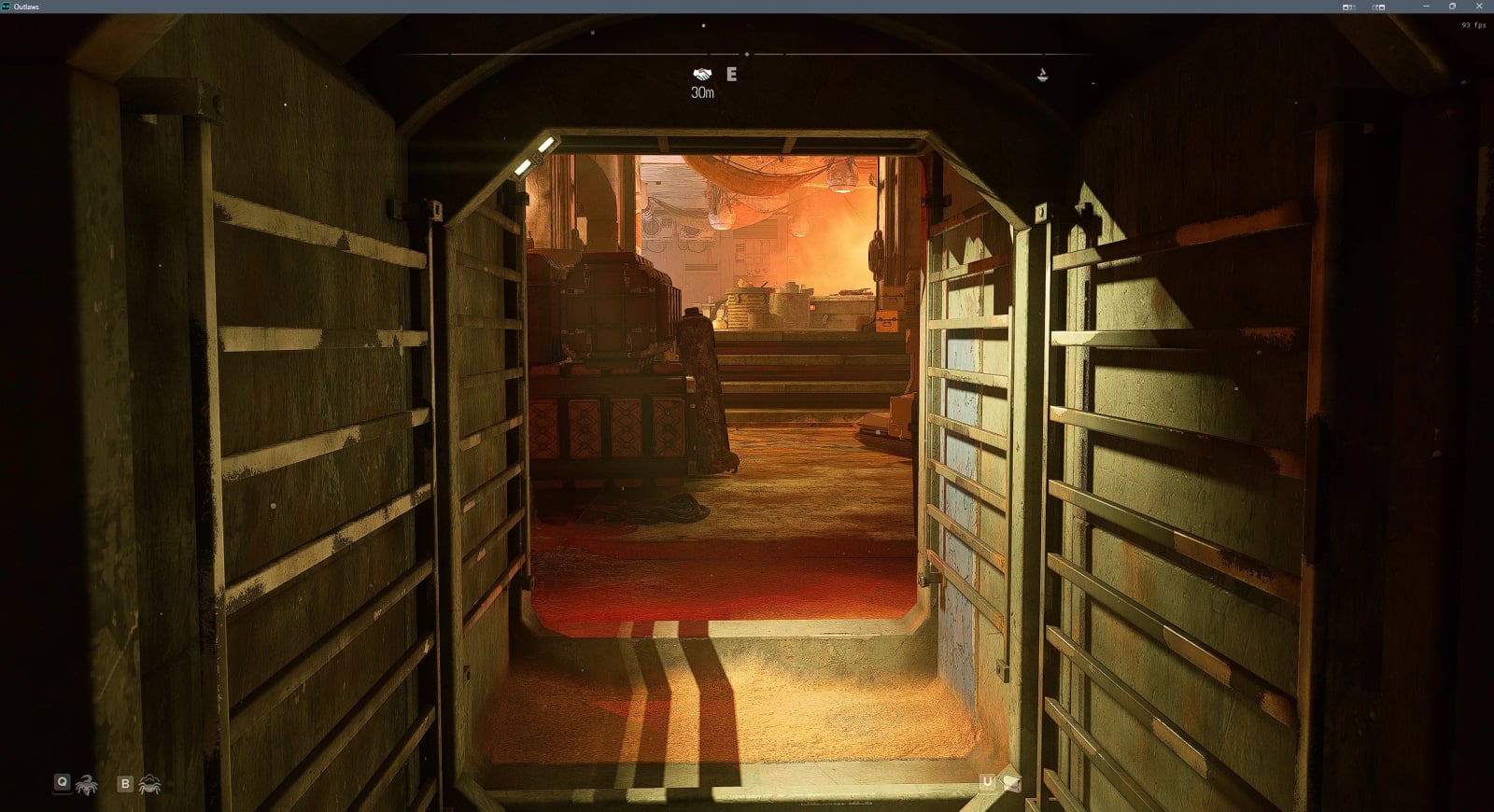
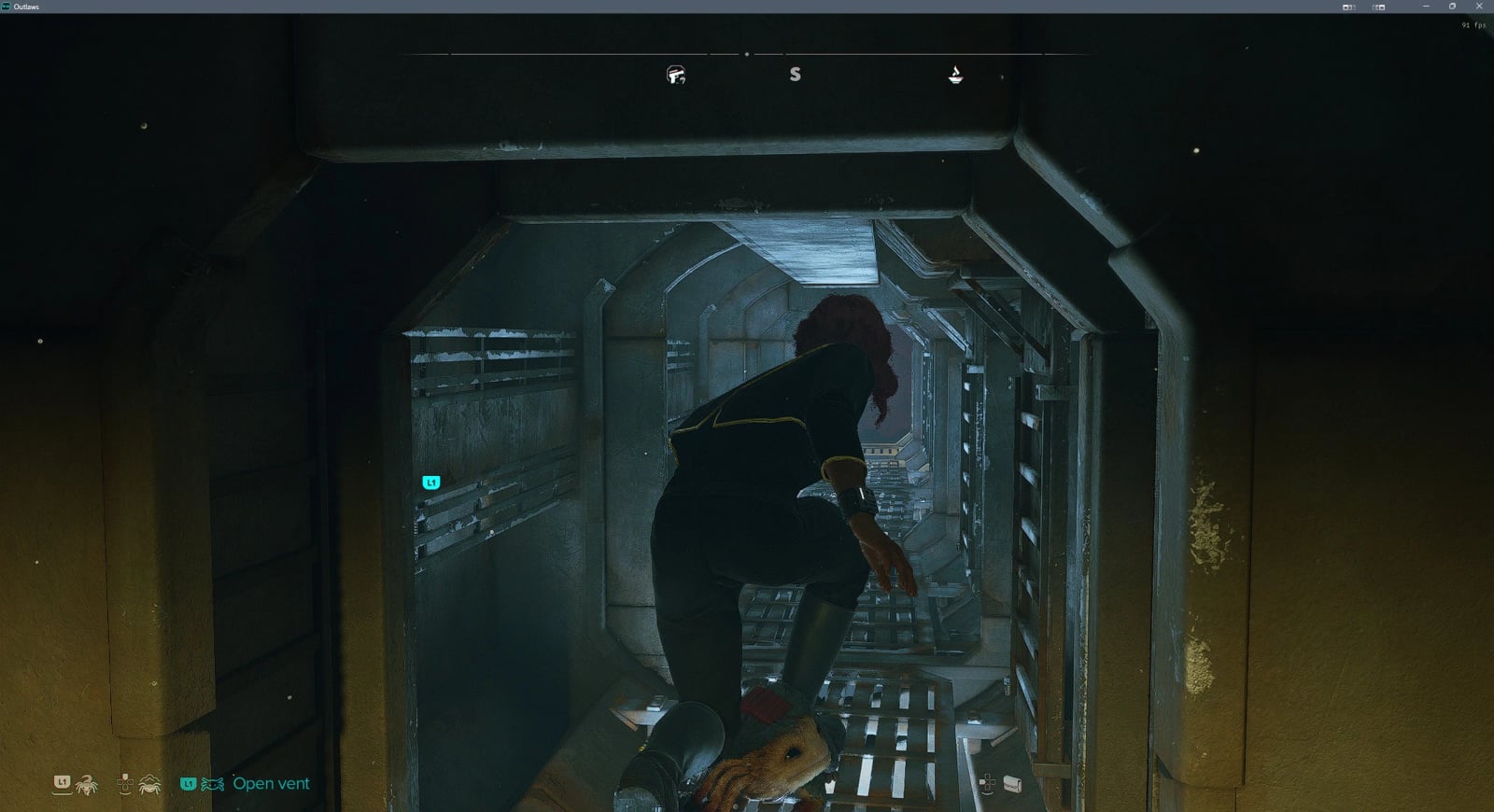
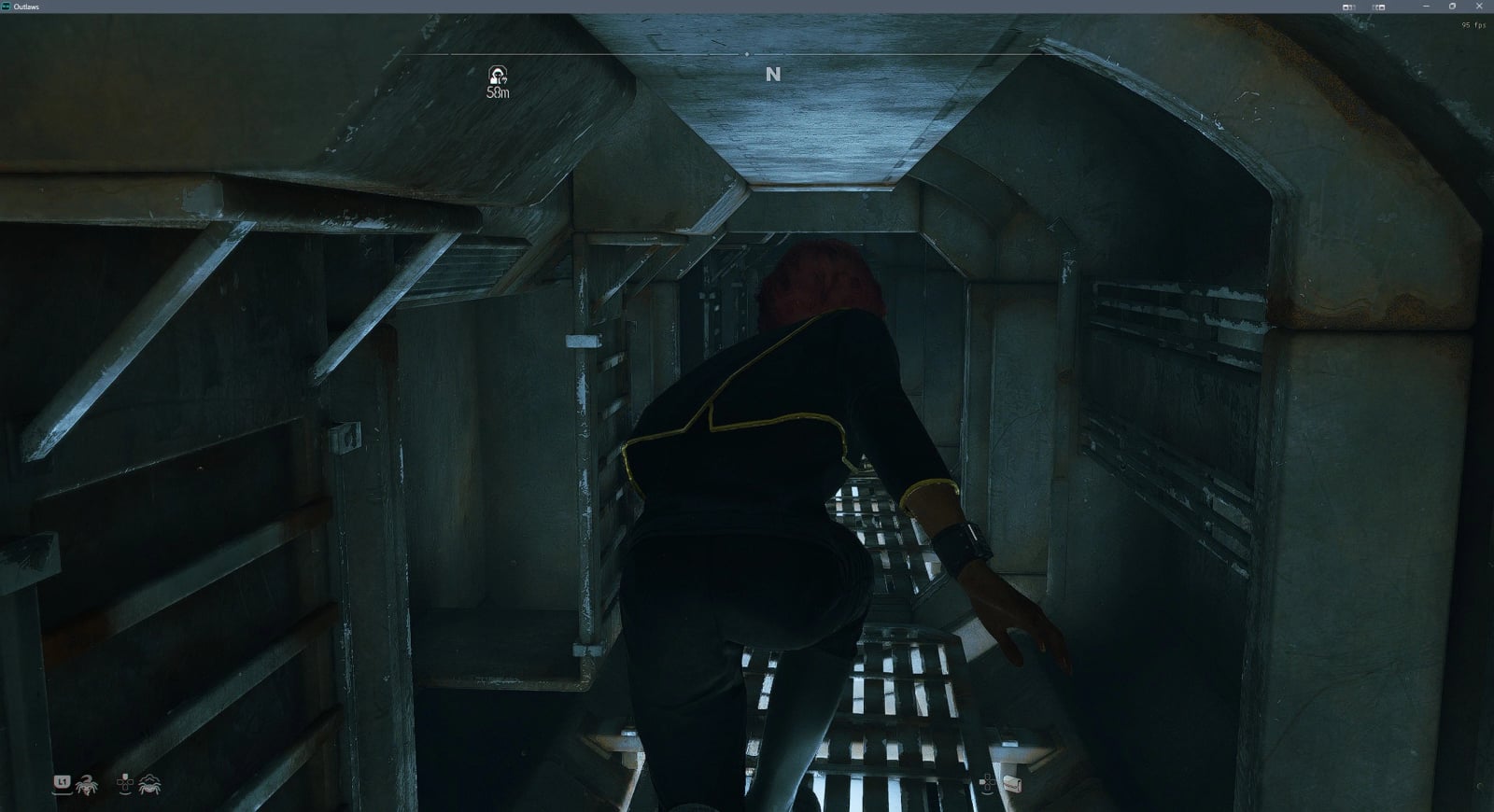
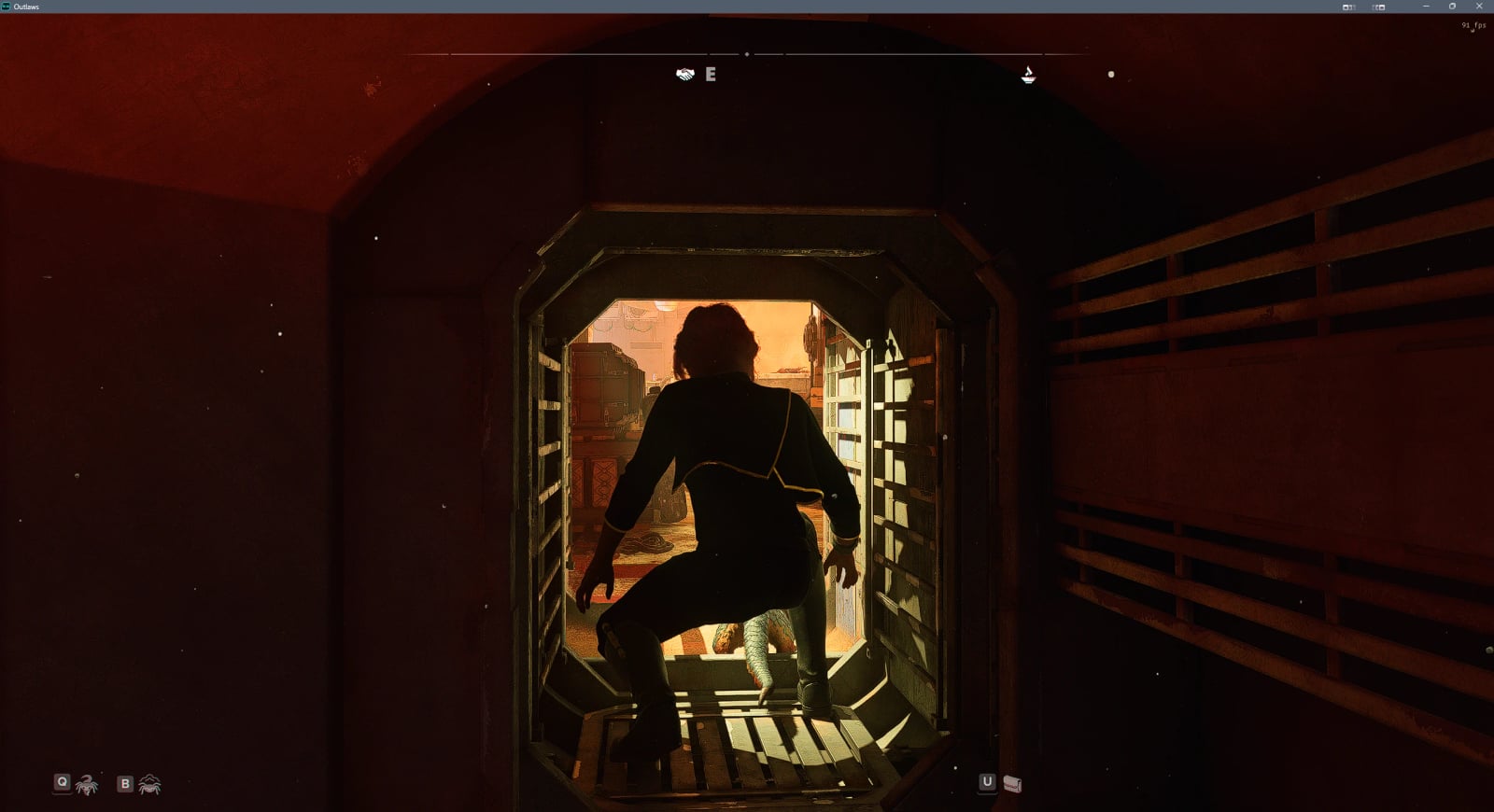
Cam Fix – Game Play – No Blocked Views v1.2
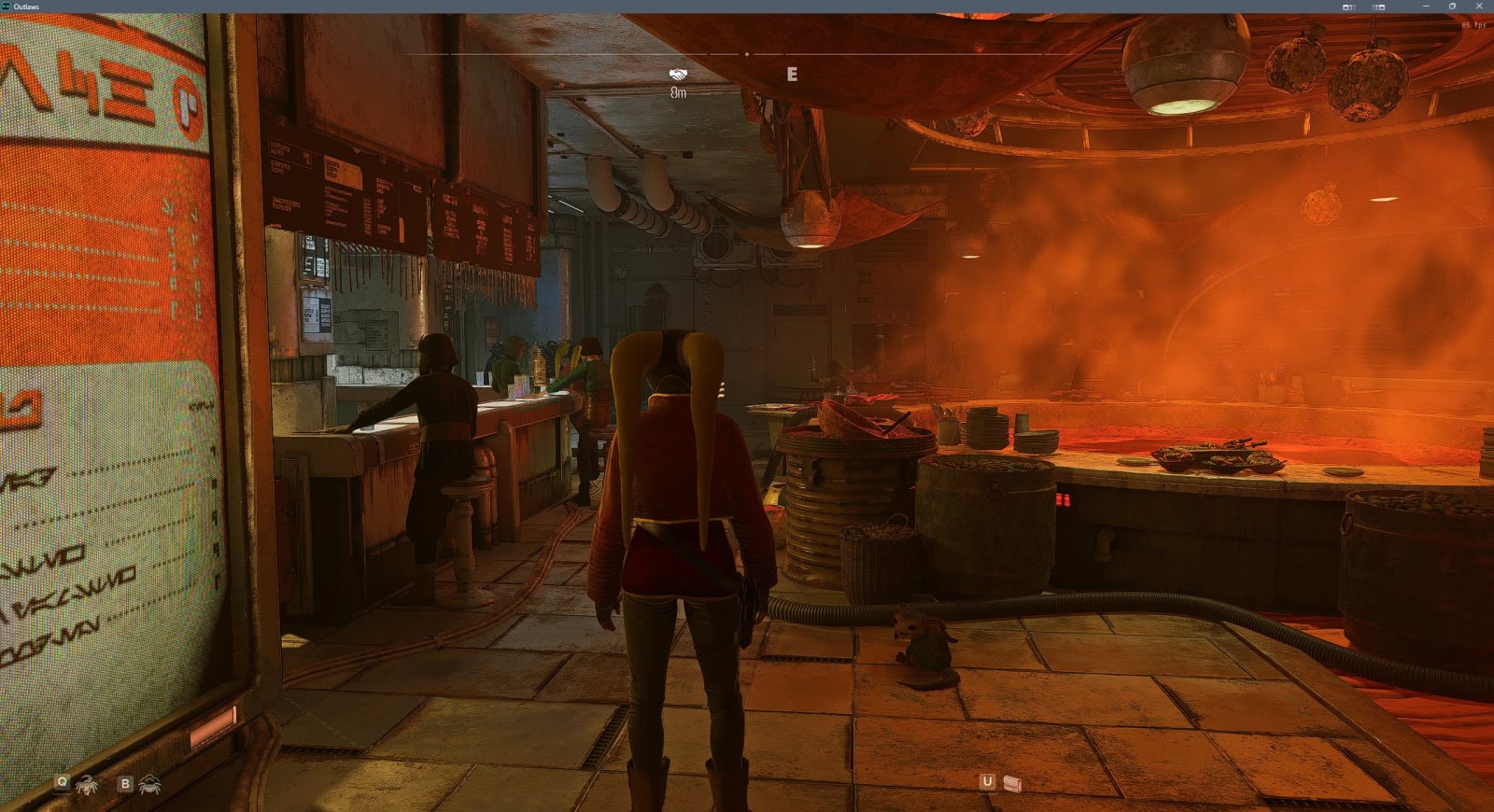
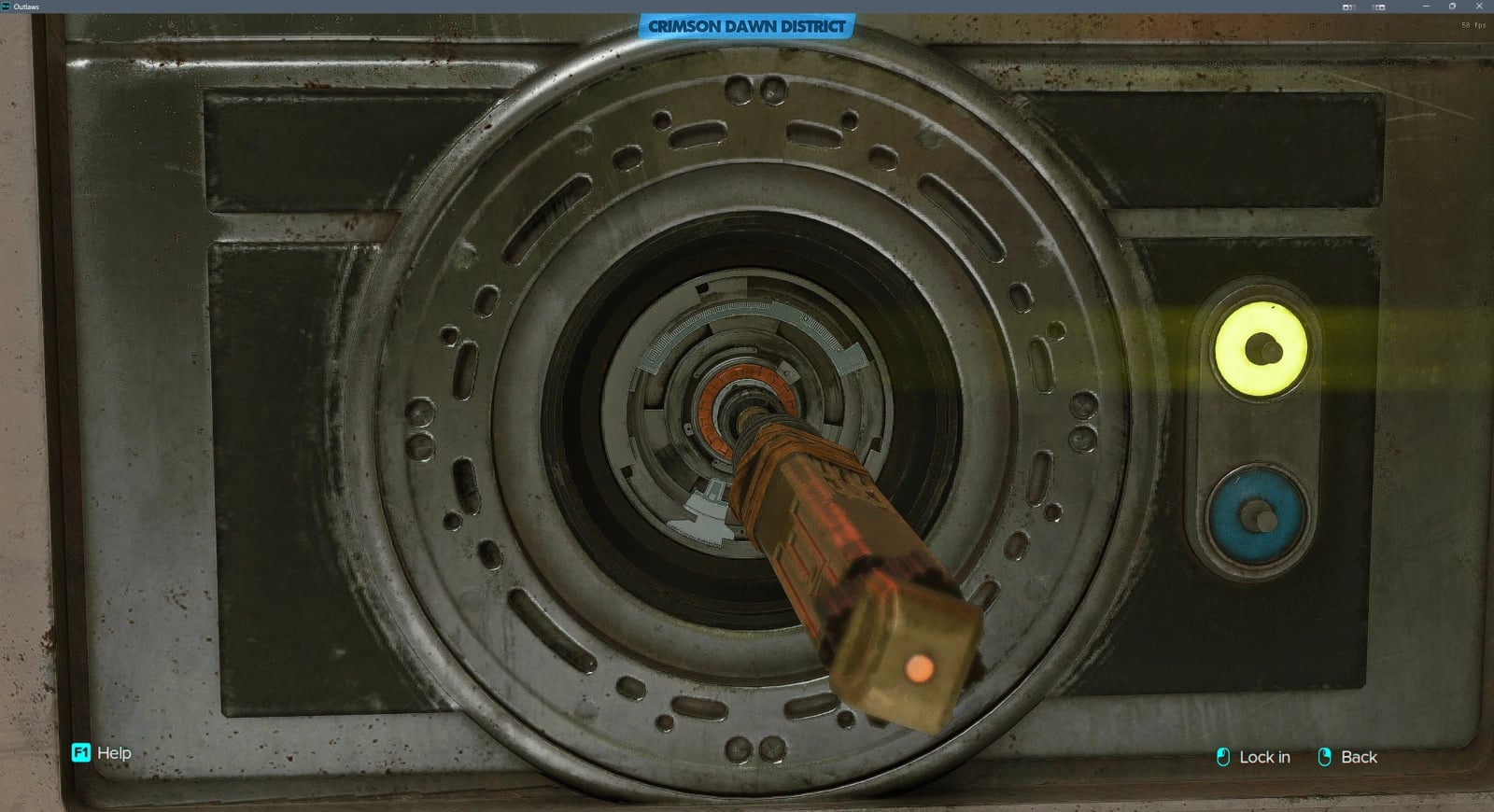
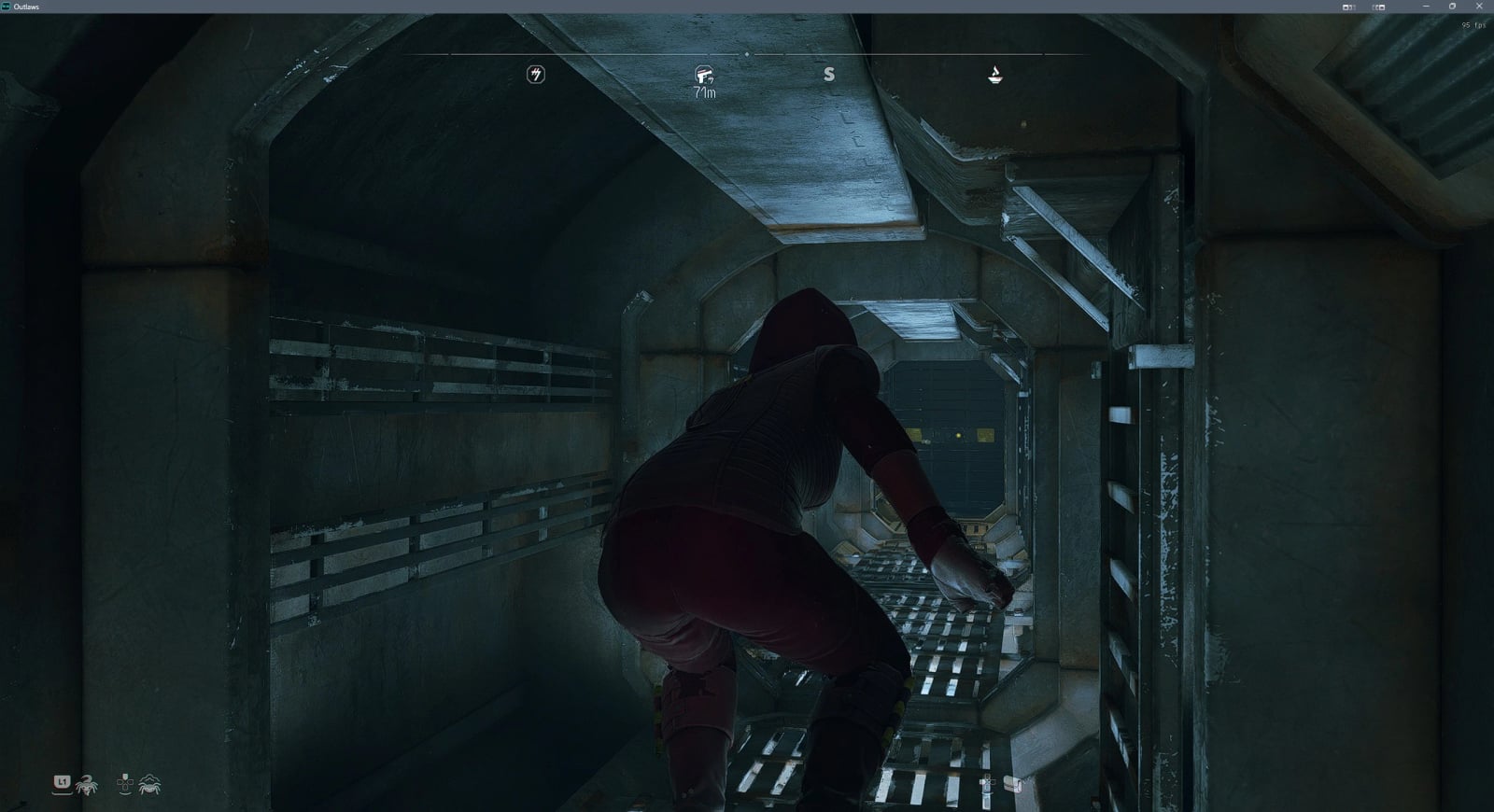
Camera fix for Kay Player or NPC clothes blocking views in first person or camera zoom on Lockpicking, Ventshaft and Binoculars.
Required mods: Universal Snowdrop Modloader
Features
- Camera fix for Kay Player or NPC Clothes Blocking views in first person or camera zoom on Lockpicking, Ventshaft and Binoculars.
Installation
- See pictures
Downloads
- Play as Kay or NPC characters
- Is All Player characters and all Full NPC’s characters with all clothes and hairs.
- Play as Kay character, (BETA)
- Only for All Player (Kay) characters with or without NPC’s clothes and hairs.
- Non NPC’s body and faces
- BETA version, If Player get in the Cam, Player will be auto hidden from the ” Camera Collision SPHERE “
- Looking for the Sphere to throw it away but can’t find it yet.
- Play as full NPC character
- Only for Full NPC’s Player characters and non of Kay’s (player) body, hair or clothes else it will be hidden.
- Only NPC’s body, faces, hairs and clothes.
Status lockpicking
- Looking for lock picking chests fix, blocked by NPC clothes